
Roll-out of SMART locks in technical areas: request your new SMART key
Written by:
Manloi Jim, SCE Department
—
This article is also available on home.cern. La version française est disponible sur home.cern/fr/.
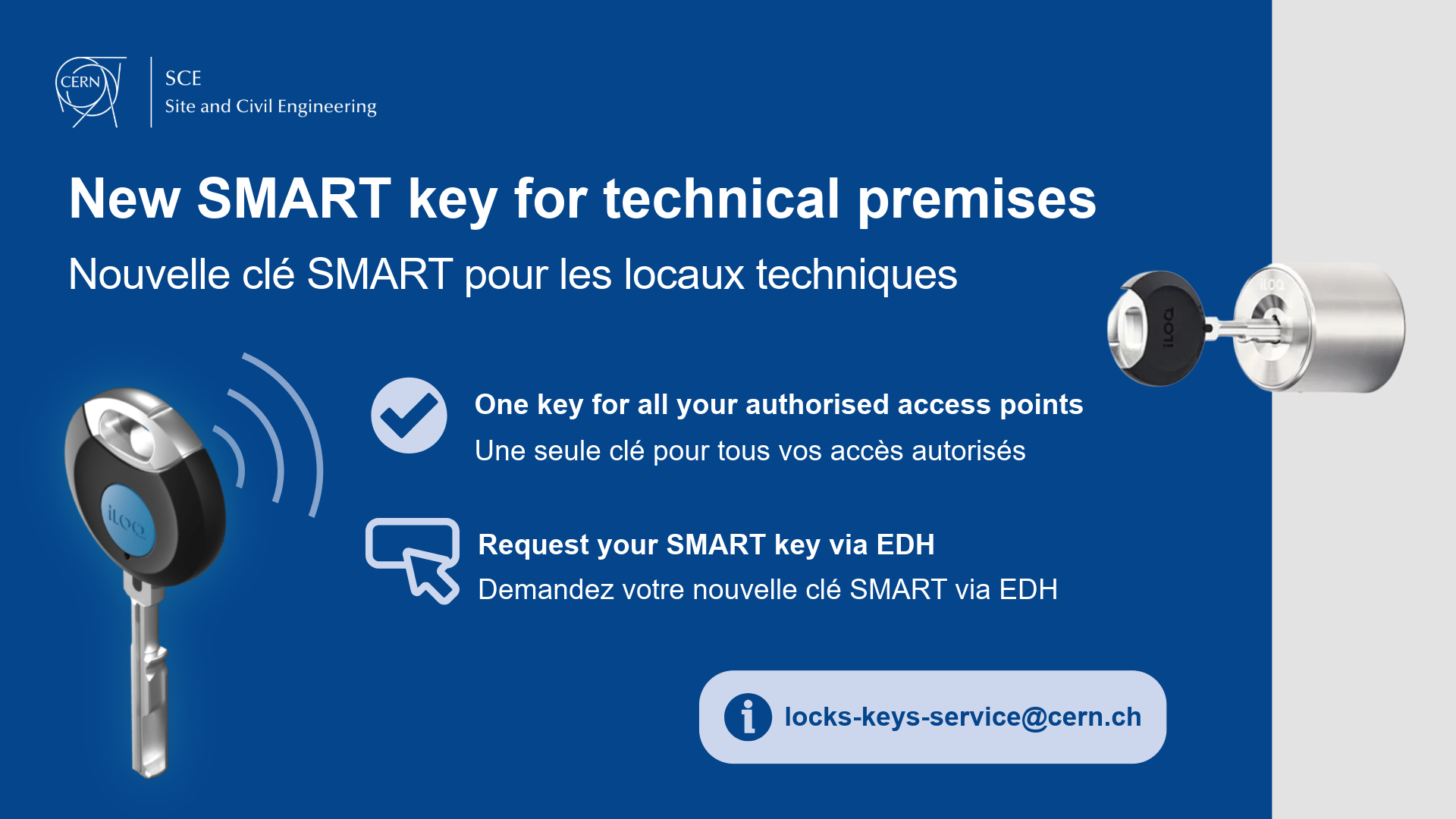
The SCE-SSC Service, in collaboration with the EN-AA Service, is gradually rolling out a new electronic access system in several of CERN’s technical areas.
Using iLoq technology , this system is designed to increase the security of infrequently accessed technical areas while ensuring improved access traceability. It is based on a SMART key and self-charging SMART cylinders that don’t need batteries or wires.
Certain areas have already been equipped as part of a pilot phase. A SMART cylinder can now be obtained using the request form in EDH.
What is changing
The mechanical locks in the areas concerned will be gradually replaced by SMART cylinders.
A single SMART key provides access to all the equipped areas for which access rights have been granted. Authorisations are managed by ADAMS, and keys must be regularly updated from a smartphone in order to keep access rights active. For more information, please see procedure KB0010770 .
Areas affected by the first phase of the roll-out
- Entrance to Gallery 825 via Building 188
- Entrance to Gallery 825 via Building 35
- Entrance to Gallery 825 via Building 182
- Entrance to Gallery 825 via Building 110 and 192
- Entrance to Gallery 180 via Building 180
- Entrance to Gallery 829 via Building 279
- Entrance to Gallery 183 via Building 183
- Entrance to Gallery 826 via Building 113
- Entrance to Gallery 830 via Building 112
- Entrance to Gallery 826 via Building 272
- Entrance to Gallery 826 via Building 30
- Entrance to Gallery 827 via Building 112
- Entrance to Gallery 827 via Building 291
- Entrance to Gallery 827 via Building 378
Users who require access to these areas should request a SMART key via the key request form in EDH.
Please contact the Locks and Keys Service if you have any questions: locks-keys-service@cern.ch.